
PHP 8.3 + SQLSRV + SQL Server Tools Setup on Ubuntu 24.04 LTS
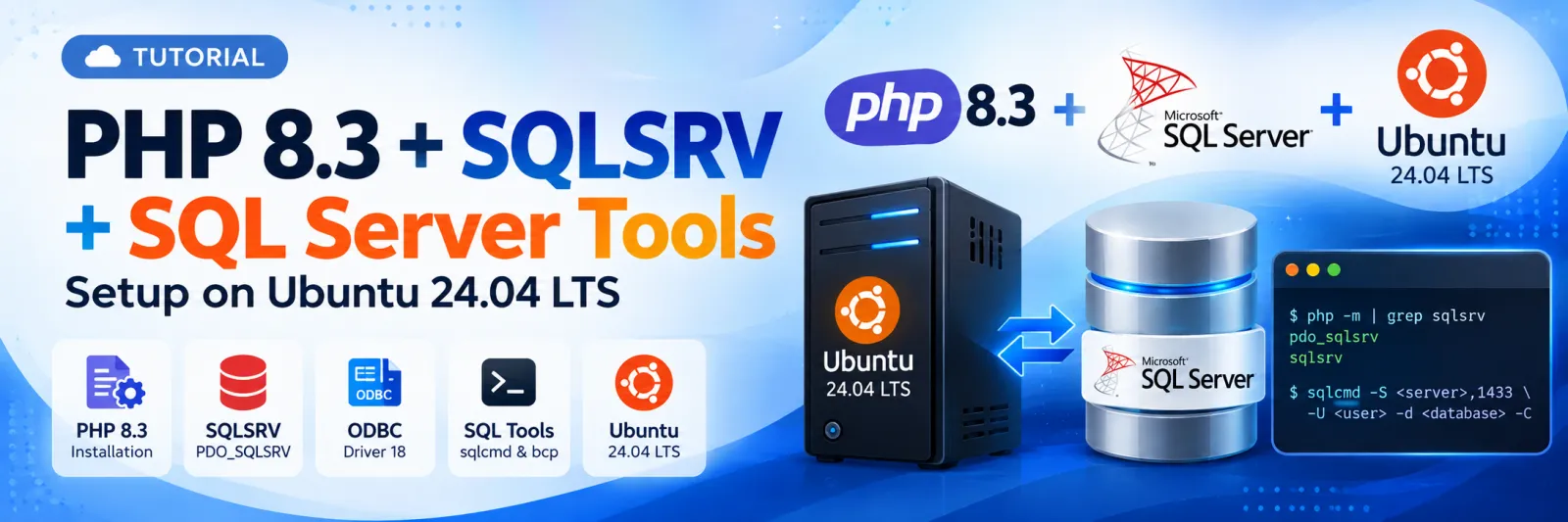
Install PHP 8.3, SQLSRV and SQL Server Tools on Ubuntu
This tutorial shows how to install and configure PHP 8.3 + SQLSRV + PDO_SQLSRV + Microsoft ODBC Driver 18 + SQL Server command-line tools on Ubuntu 24.04 LTS, followed by connection testing using PHP and sqlcmd.
What This Tutorial Covers
PHP 8.3 and required development packages
Microsoft repository configuration
Microsoft ODBC Driver 18
SQL Server command-line tools (sqlcmd and bcp)
SQLSRV and PDO_SQLSRV PHP extensions
PHP-FPM / Apache service configuration
PHP connection testing with SQL Server
SQL Server connectivity testing using sqlcmd
1. Update system and install prerequisites
Install the packages required for PHP development, PECL extensions and ODBC development.
sudo apt update
sudo apt install -y software-properties-common curl gnupg2 apt-transport-https lsb-release \
                    build-essential unixodbc-dev gcc g++ make autoconf libc-dev pkg-config \
                    php8.3 php8.3-cli php8.3-dev php8.3-pear php8.3-xml php8.3-mbstring
2. Add Microsoft repository for ODBC & SQL tools
curl https://packages.microsoft.com/keys/microsoft.asc | sudo gpg --dearmor -o /etc/apt/trusted.gpg.d/microsoft.gpg
sudo wget -qO /etc/apt/sources.list.d/mssql-release.list https://packages.microsoft.com/config/ubuntu/22.04/prod.list
sudo apt-get update3. Install Microsoft ODBC Driver 18 & SQL tools
sudo ACCEPT_EULA=Y apt-get install -y msodbcsql18 mssql-tools18
sudo apt-get install -y unixodbc-dev
4. Add sqlcmd and bcp to PATH
echo 'export PATH="$PATH:/opt/mssql-tools18/bin"' >> ~/.bashrc
source ~/.bashrc
5. Install SQLSRV / PDO_SQLSRV PHP extensions
sudo pecl install sqlsrv
sudo pecl install pdo_sqlsrv
6. Enable SQLSRV extensions in PHP 8.3
echo "extension=sqlsrv.so" | sudo tee /etc/php/8.3/mods-available/sqlsrv.ini
echo "extension=pdo_sqlsrv.so" | sudo tee /etc/php/8.3/mods-available/pdo_sqlsrv.ini
sudo phpenmod -v 8.3 sqlsrv pdo_sqlsrv
7. Restart PHP service
For PHP-FPM:
sudo systemctl restart php8.3-fpmFor Apache:
sudo systemctl restart apache28. Verify installation
php -m | grep sqlsrvExpected output:
pdo_sqlsrv
9. Create PHP test connection file
Create ~/test_sqlsrv_connection.php.
<?php

$serverName = "10.186.2.97,1433";

$connectionOptions = [
    "Database" => "YOUR_DATABASE_NAME",
    "Uid"      => "YOUR_SQL_USERNAME",
    "PWD"      => "YOUR_SQL_PASSWORD",
    "Encrypt"  => false,
    "TrustServerCertificate" => true,
];

$conn = sqlsrv_connect($serverName, $connectionOptions);

if ($conn) {
    echo "Connection successful!";
} else {
    echo "Connection failed:\n";
    print_r(sqlsrv_errors());
}

?>
10. Test SQL Server connection from PHP
php ~/test_sqlsrv_connection.php11. Connect to SQL Server using sqlcmd
Default instance:
sqlcmd -S 10.186.2.97 -U YOUR_SQL_USERNAME -P 'YOUR_SQL_PASSWORD' -d YOUR_DATABASE_NAME -CExplicit port 1433:
sqlcmd -S 10.186.2.97,1433 -U YOUR_SQL_USERNAME -P 'YOUR_SQL_PASSWORD' -d YOUR_DATABASE_NAME -CVia ELB host:
sqlcmd -S midland-mis-nlb-2f61ff86e95208fa.elb.ap-south-1.amazonaws.com,1433 -U YOUR_SQL_USERNAME -P 'YOUR_SQL_PASSWORD' -d YOUR_DATABASE_NAME -CUsing SA account:
sqlcmd -S 10.186.2.97,1433 -U sa -P 'YOUR_SA_PASSWORD'Notes:
sqlcmd working confirms network connectivity and authentication with the supplied parameters.
PHP connectivity additionally requires SQLSRV / PDO_SQLSRV to be installed and enabled.
Quick verification checklist
PHP 8.3 installed
Microsoft ODBC Driver 18 installed
SQL Server tools installed
sqlcmd available in PATH
sqlsrv enabled
pdo_sqlsrv enabled
PHP can connect to SQL Server
sqlcmd can connect to SQL Server
Discussion (0)