
Install Apache with PHP 8.3-FPM on Ubuntu
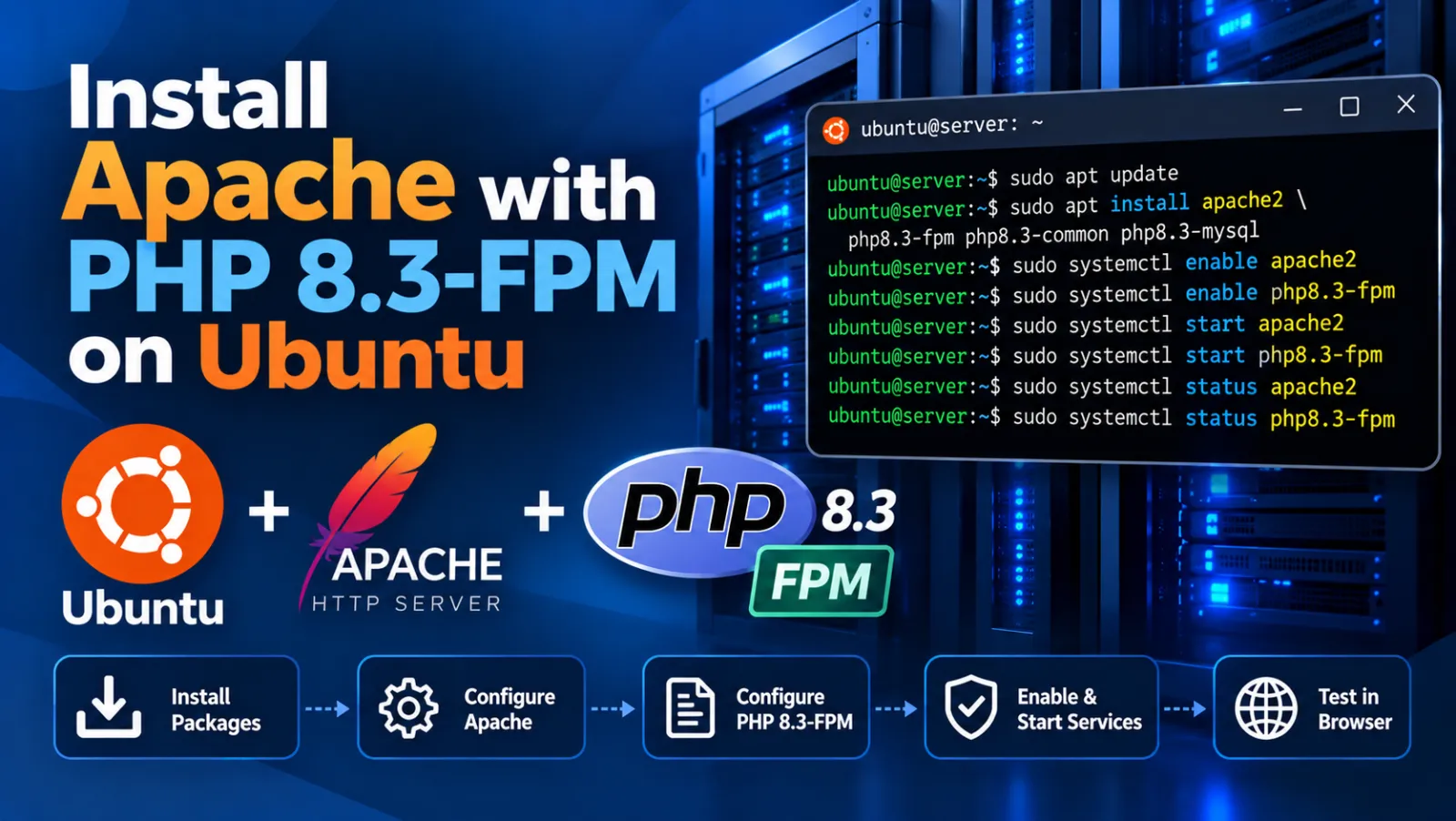
Install Apache with PHP 8.3-FPM on Ubuntu
This tutorial shows how to configure an Apache website with PHP 8.3-FPM using a dedicated PHP-FPM pool and Unix socket. The example uses the domain example.com. Replace it with your actual domain before running the commands.
1. Prerequisites
Make sure Apache, PHP 8.3-FPM and the required Apache proxy modules are installed.
sudo apt update
sudo apt install apache2 php8.3-fpm -y

sudo a2enmod proxy proxy_fcgi setenvif rewrite
2. Choose Your Domain
In this tutorial, the original server-specific domain is replaced with the generic domain example.com. Use your real domain name everywhere below.
example.com3. Create the PHP-FPM Pool
Create a dedicated PHP-FPM pool configuration. Using a separate pool gives the website its own PHP-FPM process settings and Unix socket.
sudo tee /etc/php/8.3/fpm/pool.d/example.com.conf > /dev/null <<EOT
[example.com]
user = www-data
group = www-data
listen = /var/run/php/example.com.sock
listen.owner = www-data
listen.group = www-data
listen.mode = 0660

php_admin_value[disable_functions] = passthru,shell_exec,system
php_admin_flag[allow_url_fopen] = on
php_admin_value[short_open_tag] = on
php_admin_value[max_execution_time] = 360
php_admin_value[max_file_uploads] = 200
php_admin_value[max_input_time] = 600
php_admin_value[max_input_vars] = 100000
php_admin_value[memory_limit] = 512M
php_admin_value[session.gc_maxlifetime] = 3600
php_admin_value[upload_max_filesize] = 128M
php_admin_value[post_max_size] = 128M
php_admin_value[date.timezone] = Asia/Kolkata
request_slowlog_timeout = 10s
slowlog = /var/log/php8.3-fpm-slow.log
request_terminate_timeout = 300s
catch_workers_output = yes

pm = dynamic
pm.max_children = 50
pm.start_servers = 10
pm.min_spare_servers = 5
pm.max_spare_servers = 20
pm.max_requests = 300
chdir = /
EOT
4. Create the Website Directory
sudo mkdir -p /var/www/vhost/example.com
sudo chown -R www-data:www-data /var/www/vhost/example.com
5. Create the Apache Virtual Host
The Apache virtual host sends PHP requests to the dedicated PHP-FPM Unix socket created in the previous step.
sudo tee /etc/apache2/sites-available/example.com.conf > /dev/null <<EOT
<VirtualHost *:80>
    ServerAdmin hosting@example.com
    DocumentRoot /var/www/vhost/example.com
    ServerName example.com

    <Directory /var/www/vhost/example.com/>
        Options +FollowSymlinks
        AllowOverride All
        Require all granted
    </Directory>

    <FilesMatch \.php$>
        SetHandler "proxy:unix:/var/run/php/example.com.sock|fcgi://localhost/"
    </FilesMatch>

    ErrorLog ${APACHE_LOG_DIR}/example.com-error.log
    CustomLog ${APACHE_LOG_DIR}/example.com-access.log combined
</VirtualHost>
EOT
6. Enable the Virtual Host
sudo a2ensite example.com.conf
sudo apache2ctl configtest
You should see:
Syntax OK7. Restart PHP-FPM and Apache
sudo systemctl restart php8.3-fpm
sudo systemctl restart apache2
8. Check the Services
sudo systemctl status php8.3-fpm --no-pager
sudo systemctl status apache2 --no-pager
9. Verify the PHP-FPM Socket
ls -l /var/run/php/example.com.sock
The socket should exist and be owned by www-data.
10. Test PHP
Create a temporary PHP test file inside the website document root:
sudo tee /var/www/vhost/example.com/info.php > /dev/null <<EOT
<?php
phpinfo();
EOT
Open:
http://example.com/info.phpConfirm that PHP is being served through PHP-FPM.
11. Check Apache and PHP-FPM Logs
# Apache error log
sudo tail -f /var/log/apache2/example.com-error.log

# Apache access log
sudo tail -f /var/log/apache2/example.com-access.log

# PHP-FPM service log
sudo journalctl -u php8.3-fpm -f

# PHP-FPM slow log
sudo tail -f /var/log/php8.3-fpm-slow.log
12. Remove the PHP Test File
After testing, remove info.php so that the PHP configuration page is not publicly exposed.
sudo rm -f /var/www/vhost/example.com/info.php
Complete Command Reference
# Install Apache and PHP-FPM
sudo apt update
sudo apt install apache2 php8.3-fpm -y

# Enable Apache modules
sudo a2enmod proxy proxy_fcgi setenvif rewrite

# Create website directory
sudo mkdir -p /var/www/vhost/example.com
sudo chown -R www-data:www-data /var/www/vhost/example.com

# Create PHP-FPM pool
sudo nano /etc/php/8.3/fpm/pool.d/example.com.conf

# Create Apache virtual host
sudo nano /etc/apache2/sites-available/example.com.conf

# Enable site
sudo a2ensite example.com.conf

# Validate Apache configuration
sudo apache2ctl configtest

# Restart services
sudo systemctl restart php8.3-fpm
sudo systemctl restart apache2

# Check socket
ls -l /var/run/php/example.com.sock

# Remove test page after verification
sudo rm -f /var/www/vhost/example.com/info.php
Important
The domain example.com is only a placeholder. Replace it consistently in the PHP-FPM pool name, socket path, document root, Apache configuration, log filenames and browser URL before using the commands on your server.
Discussion (0)