
AWS S3 Bucket-Wise Size Report Export to Excel Using Python
AWS & Python Automation
AWS S3 Bucket-Wise Size Report Export to Excel Using Python
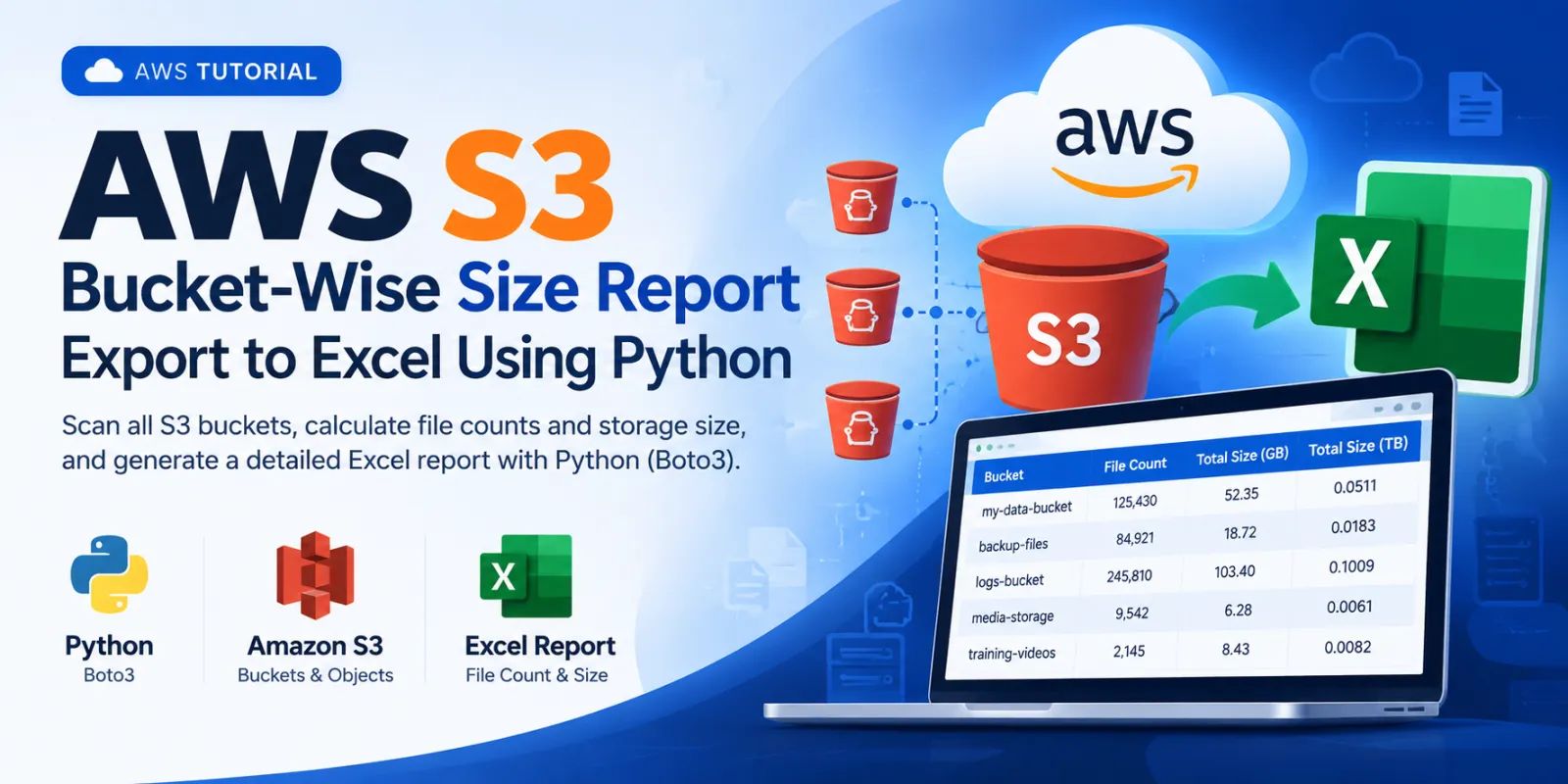
Learn how to use Python and Boto3 to scan Amazon S3 buckets, calculate file counts and total object size, and export the results into an Excel workbook.
Introduction
When an AWS account contains multiple S3 buckets, it can be useful to have a single report showing how much data each bucket contains. This Python script connects to Amazon S3, scans the objects in every bucket, calculates the total object count and storage size, and creates an Excel report.
What This Script Does
- Connects to Amazon S3 using Boto3.
- Retrieves all S3 buckets visible to the configured AWS credentials.
- Scans the objects in each bucket using the S3 paginator.
- Counts files and adds their object sizes.
- Ignores folder placeholder objects ending with
/. - Converts total size into GB and TB.
- Continues processing other buckets if one bucket returns an error.
- Exports the final bucket-wise report to Excel.
Prerequisites
- Python 3 installed.
- An AWS account with permission to list buckets and list objects.
- Internet access from the system running the script.
Install Required Python Packages
pip install boto3 pandas openpyxl| Package | Purpose |
|---|---|
boto3 | Connects Python to AWS services. |
pandas | Creates and processes report data. |
openpyxl | Provides Excel XLSX file support. |
AWS Permissions
The credentials used by the script need permission to list the buckets and list objects inside the buckets being scanned.
{"Version":"2012-10-17","Statement":[{"Effect":"Allow","Action":["s3:ListAllMyBuckets"],"Resource":"*"},{"Effect":"Allow","Action":["s3:ListBucket"],"Resource":"arn:aws:s3:::*"}]}Step 1 — Configure AWS Credentials
aws_access_key_id = ''
aws_secret_access_key = ''
region_name = "ap-south-1"
Replace the empty values with credentials that have the required S3 permissions.
Step 2 — Configure the Excel Output File
output_file = "s3bucket_list.xlsx"The generated report will be saved in the same directory from which the Python script is executed.
Step 3 — Connect to Amazon S3
s3 = boto3.client(
    "s3",
    aws_access_key_id=aws_access_key_id,
    aws_secret_access_key=aws_secret_access_key,
    region_name=region_name
)
Step 4 — Retrieve All S3 Buckets
response = s3.list_buckets()
buckets = response.get("Buckets", [])
print(f"Found {len(buckets)} S3 buckets.\n")
Step 5 — Scan Each Bucket
for bucket in buckets:
    bucket_name = bucket["Name"]
    print(f"Scanning: {bucket_name}")
    file_count = 0
    total_size = 0
Step 6 — Read S3 Objects Using a Paginator
paginator = s3.get_paginator("list_objects_v2")
pages = paginator.paginate(Bucket=bucket_name)
The paginator processes object listings page by page, which is important for buckets containing many objects.
Step 7 — Calculate File Count and Storage Size
for page in pages:
    for obj in page.get("Contents", []):
        key = obj["Key"]
        if key.endswith("/"):
            continue
        file_count += 1
        total_size += obj["Size"]
Step 8 — Convert Size to GB and TB
total_size_gb = total_size / (1024 ** 3)
total_size_tb = total_size / (1024 ** 4)
The script uses 1024-based conversion: 1 GB = 1024³ bytes and 1 TB = 1024⁴ bytes.
Step 9 — Add the Bucket Result to the Report
report.append({
    "Bucket": bucket_name,
    "File Count": file_count,
    "Total Size (Bytes)": total_size,
    "Total Size (GB)": round(total_size_gb, 2),
    "Total Size (TB)": round(total_size_tb, 4)
})
Step 10 — Handle Bucket Access Errors
except Exception as e:
    print(f"  ERROR: {e}")
    report.append({
        "Bucket": bucket_name,
        "File Count": "ERROR",
        "Total Size (Bytes)": "ERROR",
        "Total Size (GB)": "ERROR",
        "Total Size (TB)": "ERROR"
    })
If one bucket cannot be accessed, its error is recorded and processing continues with the remaining buckets.
Step 11 — Create the Excel Report
df = pd.DataFrame(report)
df = df.sort_values(by="Bucket")
df.to_excel(output_file, index=False)
Complete Python Script
Save the following as s3_bucket_report.py:
import boto3
import pandas as pd

# ============================
# AWS Credentials
# ============================
aws_access_key_id = ''
aws_secret_access_key = ''
region_name = "ap-south-1"

# ============================
# Output Excel
# ============================
output_file = "s3bucket_list.xlsx"

# ============================
# Connect to S3
# ============================
s3 = boto3.client(
    "s3",
    aws_access_key_id=aws_access_key_id,
    aws_secret_access_key=aws_secret_access_key,
    region_name=region_name
)

# ============================
# Fetch all buckets
# ============================
response = s3.list_buckets()
buckets = response.get("Buckets", [])
print(f"Found {len(buckets)} S3 buckets.\n")
report = []

# ============================
# Process each bucket
# ============================
for bucket in buckets:
    bucket_name = bucket["Name"]
    print(f"Scanning: {bucket_name}")
    file_count = 0
    total_size = 0

    try:
        paginator = s3.get_paginator("list_objects_v2")
        pages = paginator.paginate(Bucket=bucket_name)

        for page in pages:
            for obj in page.get("Contents", []):
                key = obj["Key"]
                if key.endswith("/"):
                    continue
                file_count += 1
                total_size += obj["Size"]

        total_size_gb = total_size / (1024 ** 3)
        total_size_tb = total_size / (1024 ** 4)

        report.append({
            "Bucket": bucket_name,
            "File Count": file_count,
            "Total Size (Bytes)": total_size,
            "Total Size (GB)": round(total_size_gb, 2),
            "Total Size (TB)": round(total_size_tb, 4)
        })

        print(f"  Files: {file_count:,} | Size: {total_size_gb:.2f} GB")

    except Exception as e:
        print(f"  ERROR: {e}")
        report.append({
            "Bucket": bucket_name,
            "File Count": "ERROR",
            "Total Size (Bytes)": "ERROR",
            "Total Size (GB)": "ERROR",
            "Total Size (TB)": "ERROR"
        })

# ============================
# Create Excel Report
# ============================
df = pd.DataFrame(report)
df = df.sort_values(by="Bucket")
df.to_excel(output_file, index=False)

print("\n===================================")
print("S3 BUCKET REPORT COMPLETED")
print("===================================")
print(f"Report saved to: {output_file}")
Step 12 — Run the Script
python s3_bucket_report.pyExample output:
Found 8 S3 buckets.

Scanning: my-production-bucket
  Files: 125,430 | Size: 52.35 GB

Scanning: my-backup-bucket
  Files: 84,921 | Size: 18.72 GB

===================================
S3 BUCKET REPORT COMPLETED
===================================
Report saved to: s3bucket_list.xlsx
Excel Report Structure
| Column | Description |
|---|---|
| Bucket | S3 bucket name. |
| File Count | Number of objects counted in the bucket. |
| Total Size (Bytes) | Total object size in bytes. |
| Total Size (GB) | Total size converted to GB. |
| Total Size (TB) | Total size converted to TB. |
Important Notes
Size values of objects returned by S3 object listing. It should not be treated as an exact replacement for AWS billing or S3 storage metrics. S3 versioning, delete markers, incomplete multipart uploads, and other storage components can affect actual billable storage.s3bucket_list.xlsx provides a bucket-wise view of object count and storage size.
Discussion (0)